

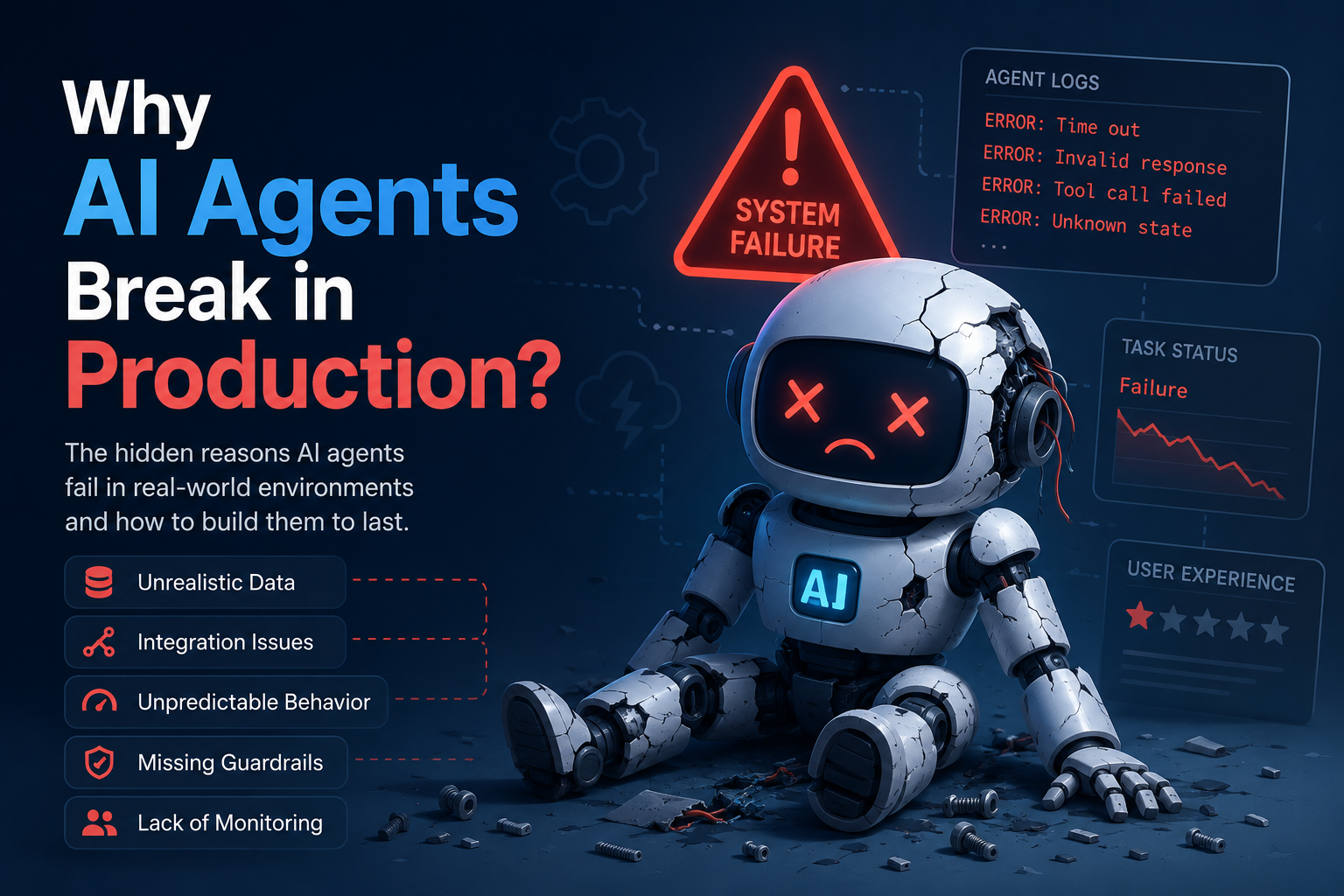

Ask anyone evaluating AI automation vendors in 2026 what worries them most, and it’s rarely “which model do you use.” It’s: what happens when this breaks? A demo that works once in a sales call is a very different thing from a system that survives real traffic, edge cases, and an API provider pushing a breaking change on a Tuesday.
Why AI Agents Actually Break in Production
Most failures we see trace back to a small set of causes, and they show up again and again across completely different projects:
- Prompt-only logic with no grounding — the agent relies purely on the model’s memory, so it confidently answers questions it has no real data for. This is the single biggest cause of embarrassing customer-facing mistakes.
- No fallback path — when a tool call fails or an API changes its response shape, the agent has nothing to do but guess or crash. Production systems need a defined “what happens when this doesn’t work” behavior, not just a happy path.
- Brittle, ad-hoc integrations — custom glue code written for one specific API version, with no abstraction layer when that version changes. This is invisible in a demo and only shows up months later.
- No human checkpoint on sensitive actions — the agent is trusted to just act, with no review step before anything consequential happens, like sending a message, issuing a refund, or updating a record.
How We Build Agents That Hold Up
RAG grounding, not memory. Every agent we build answers from your actual documents and data through Retrieval-Augmented Generation, not the model’s training data alone. We wrote a full explanation of how RAG helps prevent LLM hallucinations if you want the mechanics. In practice, this means the agent checks your actual documents before answering, rather than generating a plausible-sounding but potentially wrong response from general training data.
A stable protocol layer, not brittle glue code. We connect agents to real tools using MCP (Model Context Protocol) instead of one-off API integrations. It gives the agent a consistent, structured way to call tools, so a change on the tool’s side is far less likely to silently break the agent. We documented this in detail while building a custom MCP server for a client project — including the specific failure modes we designed around.
Human checkpoints on anything that matters. Agents flag or route sensitive actions for review rather than executing them blind. Automation should remove busywork, not remove oversight. The right checkpoint depends on the stakes: a low-risk FAQ answer might not need review, but anything touching money, data changes, or customer commitments should.
Monitoring from day one. We track what the agent is actually doing in production, not just whether it passed a demo. That’s the same principle behind our AI Visibility Tool — measure the real outcome, don’t assume it. Without monitoring, a slowly degrading agent can go unnoticed for weeks before anyone realizes it’s giving worse answers than it used to.
A Quick Checklist Before You Hire an AI Automation Vendor
- Ask what happens when their agent gets an answer it’s not confident about — if the answer is “it just responds,” that’s a red flag.
- Ask how they handle upstream API changes — vague answers usually mean brittle, hand-rolled integrations.
- Ask what data the agent is grounded in, specifically. “The model already knows a lot” is not a good answer.
- Ask what a human sees before a sensitive action happens — there should be a real answer, not “we trust the AI.”
- Ask how they’d know if the agent started performing worse next month — if there’s no monitoring plan, that’s a gap.
Why This Matters More As Automation Scales
A single agent handling one workflow is relatively easy to babysit manually. The real test comes when a business has multiple agents running across support, lead routing, and internal workflows simultaneously — that’s when ungrounded logic, brittle integrations, and missing checkpoints compound into real business risk instead of isolated glitches. Building it right from the first agent makes scaling the rest far less painful.
See This in Practice
We used these same principles building a customer query automation workflow with n8n. If you’re evaluating whether agentic automation can hold up for your business, see what we build or start a project for a free assessment.
A Real Failure Pattern We’ve Seen
A common scenario: a support agent is built and tested against a handful of expected questions, performs perfectly in the demo, then goes live. Within days, a customer asks something slightly outside the tested scope — a product variant that wasn’t in the original documentation, or a policy exception. An ungrounded agent will often answer confidently anyway, generating a plausible-sounding but wrong response, because nothing in its design tells it “I don’t actually know this, escalate it.” A properly grounded agent recognizes the gap in its retrieved data and either says so or routes to a human — the difference between a minor hiccup and a customer receiving false information from your brand.
The Hidden Cost of “It Mostly Works”
A fragile agent that works 90% of the time sounds acceptable until you consider what the other 10% actually costs. A wrong answer to a billing question, a missed escalation on an angry customer, or a broken integration during a high-traffic period can do more damage than the agent saved in the first place. This is why we treat reliability engineering — not just capability — as core to what we build, rather than an afterthought bolted on after launch.
What “Good Monitoring” Actually Looks Like
Monitoring an AI agent isn’t the same as monitoring a normal application. Uptime alone tells you almost nothing — an agent can be “up” and still quietly giving worse answers than it did last month. Real monitoring tracks things like how often the agent expresses uncertainty or escalates, how often a human overrides its response, and whether response quality drifts over time as your underlying data changes. Without this, degraded performance can go unnoticed for weeks.
Frequently Asked Questions
What is the single biggest cause of AI agents failing in production?
Prompt-only logic with no grounding — agents that rely purely on the model’s memory instead of real data, which leads to confident but wrong answers.
What is RAG, and why does it prevent these failures?
Retrieval-Augmented Generation grounds an agent’s answers in your actual documents and data instead of the model’s general training data, significantly reducing made-up or inaccurate responses.
What is MCP, and how does it relate to agent reliability?
MCP (Model Context Protocol) is a stable, structured way for AI agents to connect to real tools, replacing brittle one-off API integrations that break silently when a tool changes.
Should every AI agent action be reviewed by a human?
Not every action, but sensitive ones should be. Low-risk actions like answering an FAQ can run automatically, while anything touching money, data changes, or commitments should have a review checkpoint.
What questions should I ask before hiring an AI automation vendor?
Ask how they handle low-confidence answers, upstream API changes, what data grounds the agent, what a human reviews before sensitive actions, and how they’d detect performance degrading over time.
How do I get an agent built this way for my business?
See what we build or start a project for a free assessment.